A simply good terminal. Full control API.
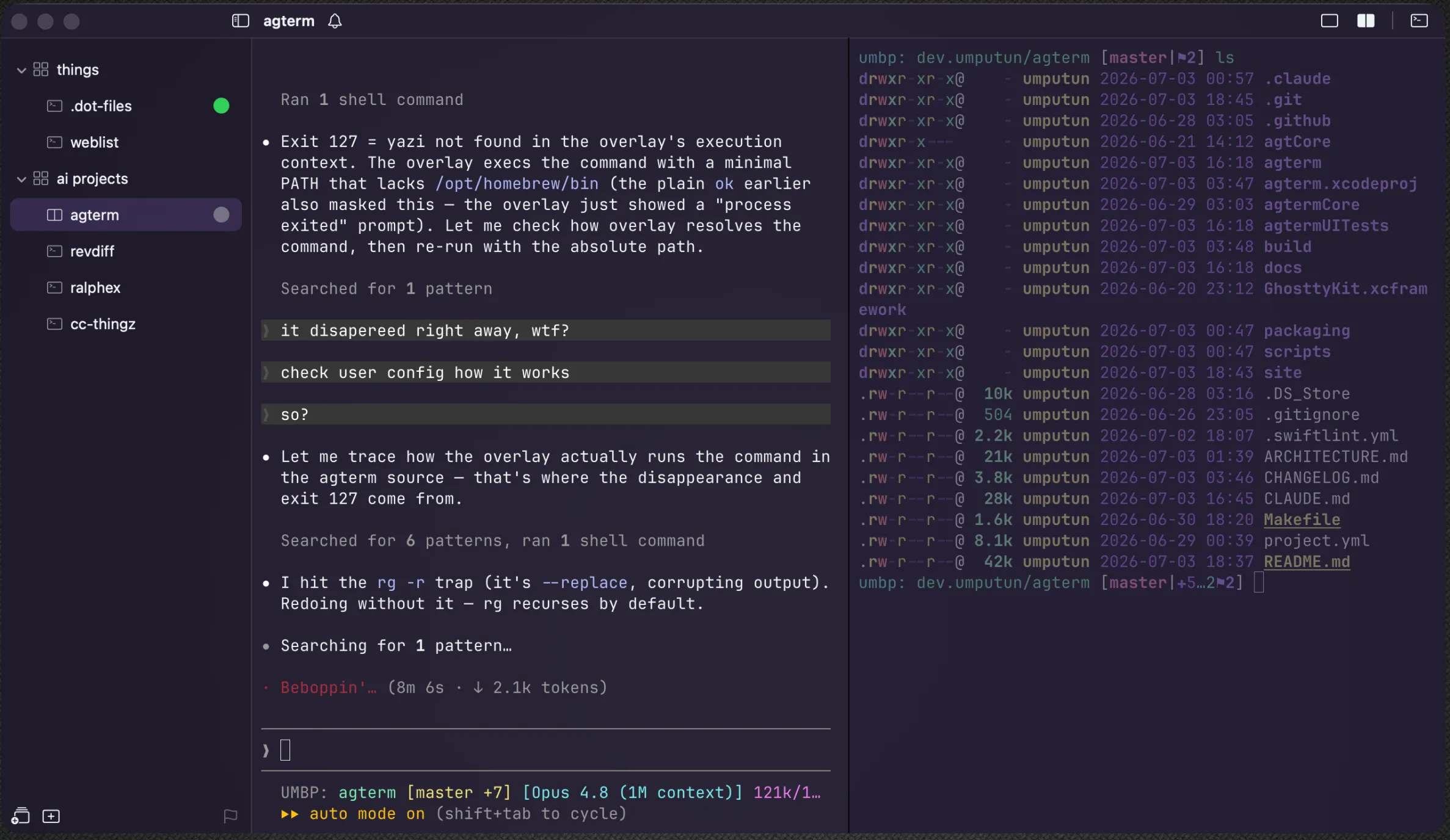
agterm organizes sessions into named workspaces. The bundled
agtermctl drives all of it over
a local socket: build layouts, type into any pane and read its text back, open overlays, dashboards, and native pickers.
Running many AI coding agents at once is the obvious use, and far from the only one.
Apple Silicon · macOS 14+ · signed & notarized · embeds Ghostty's engine
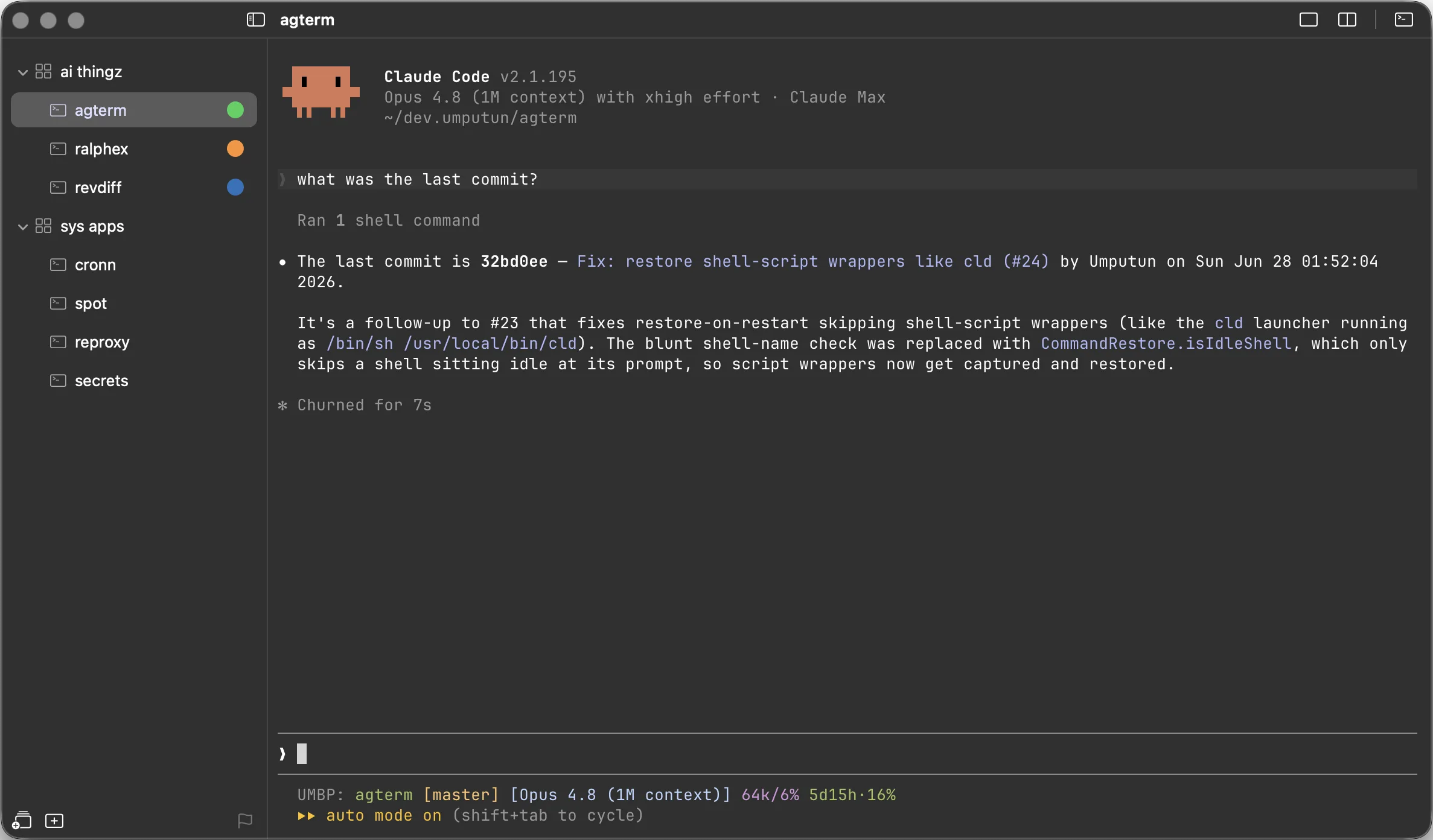
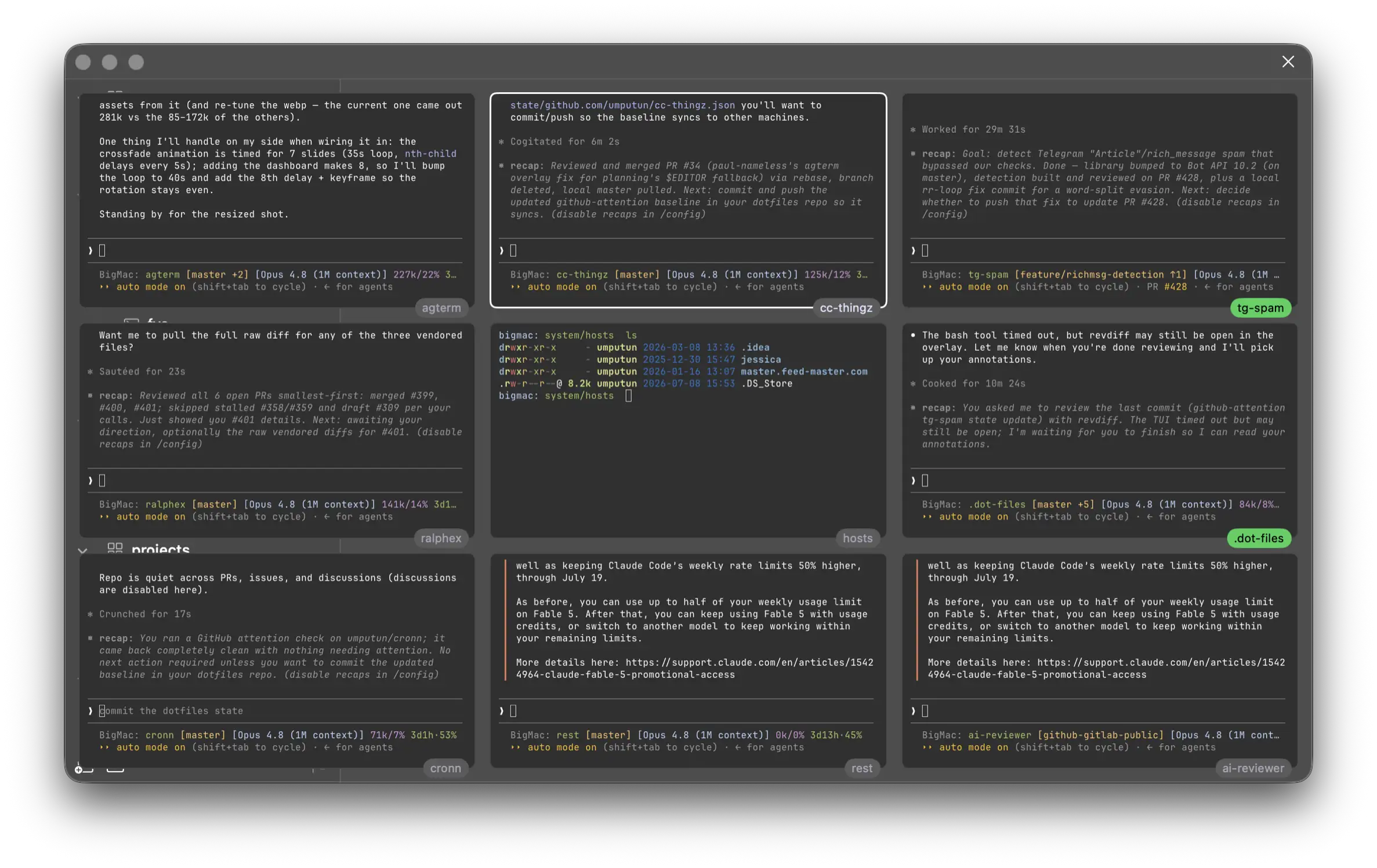
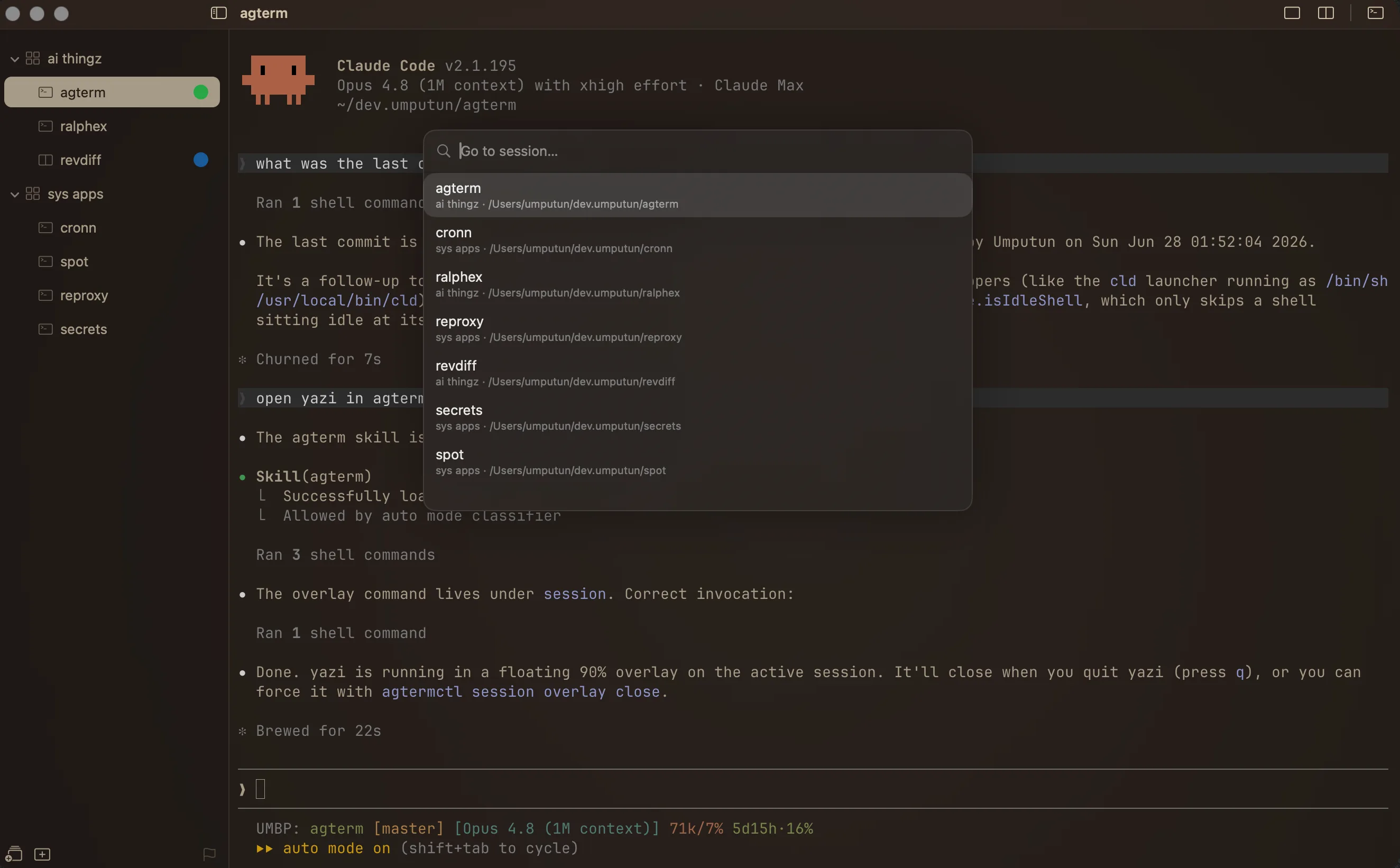
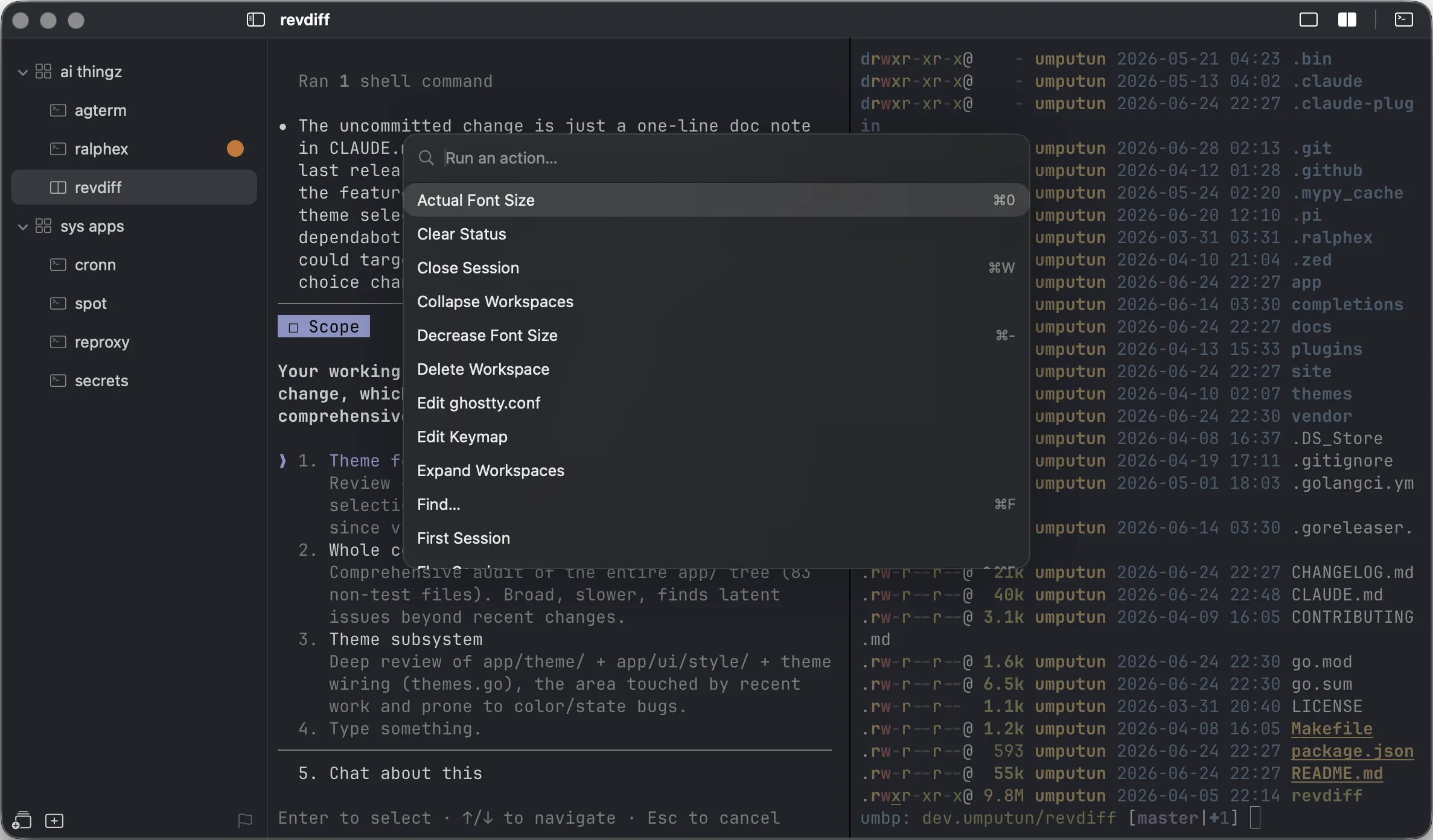
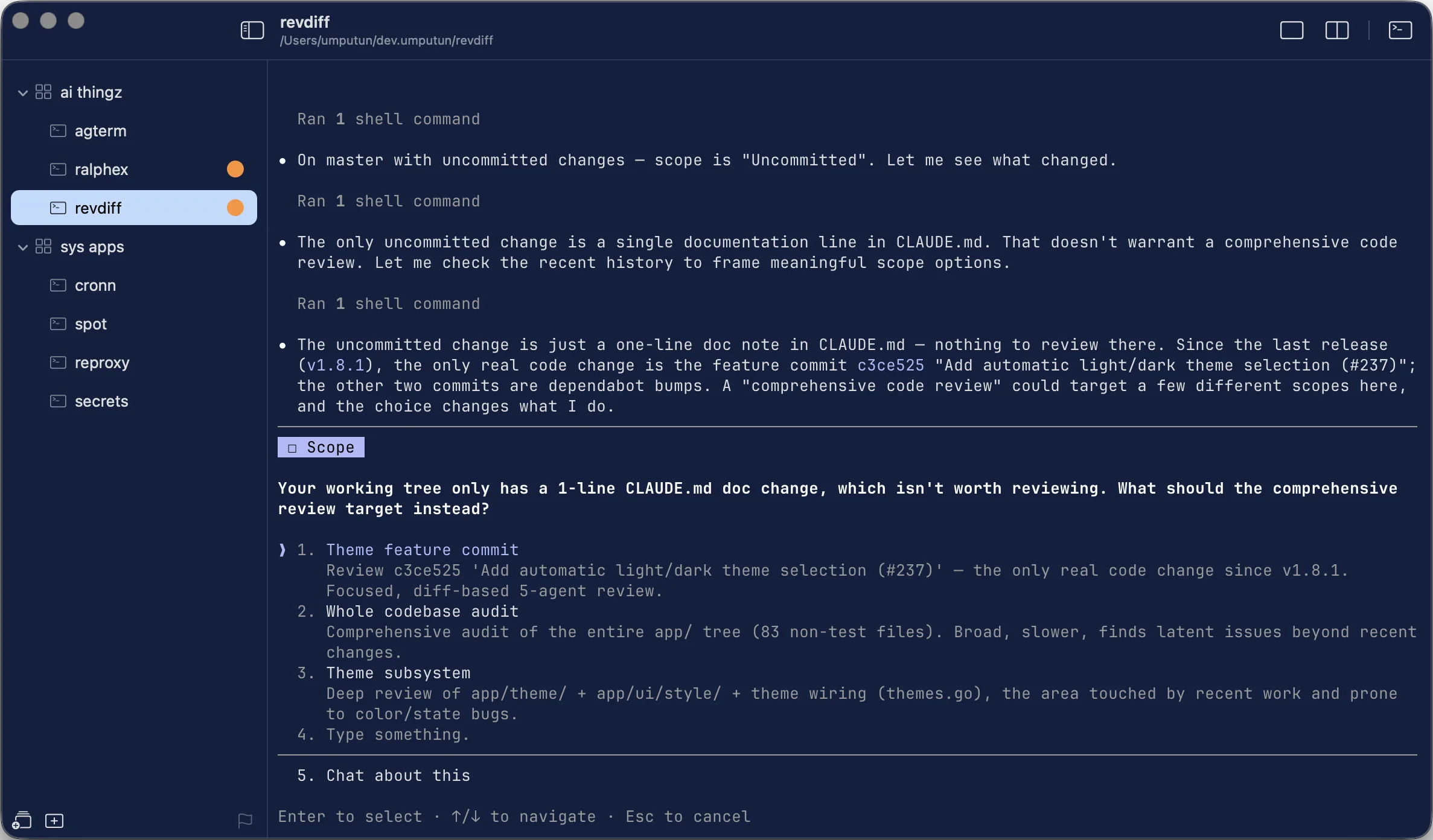
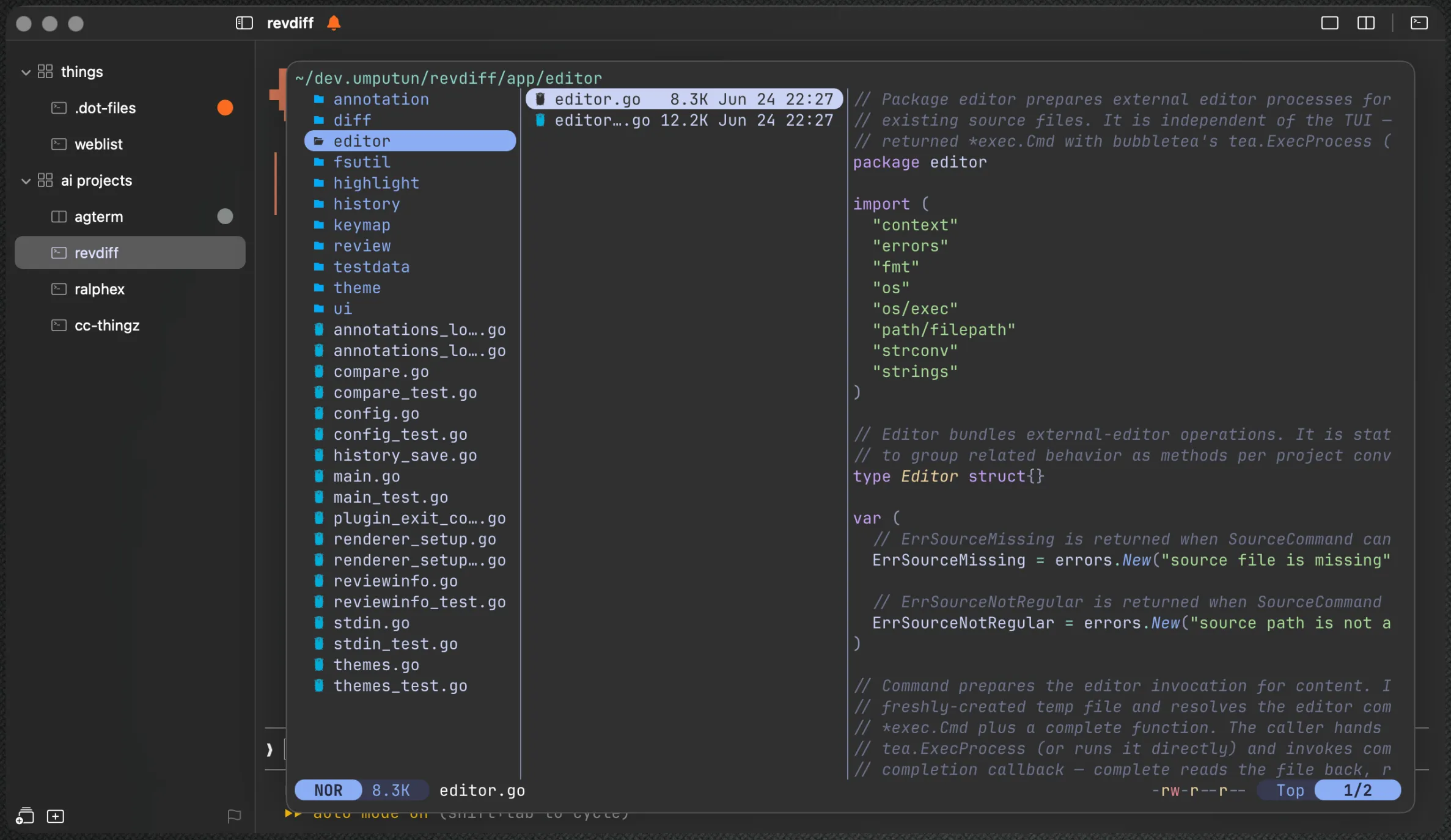
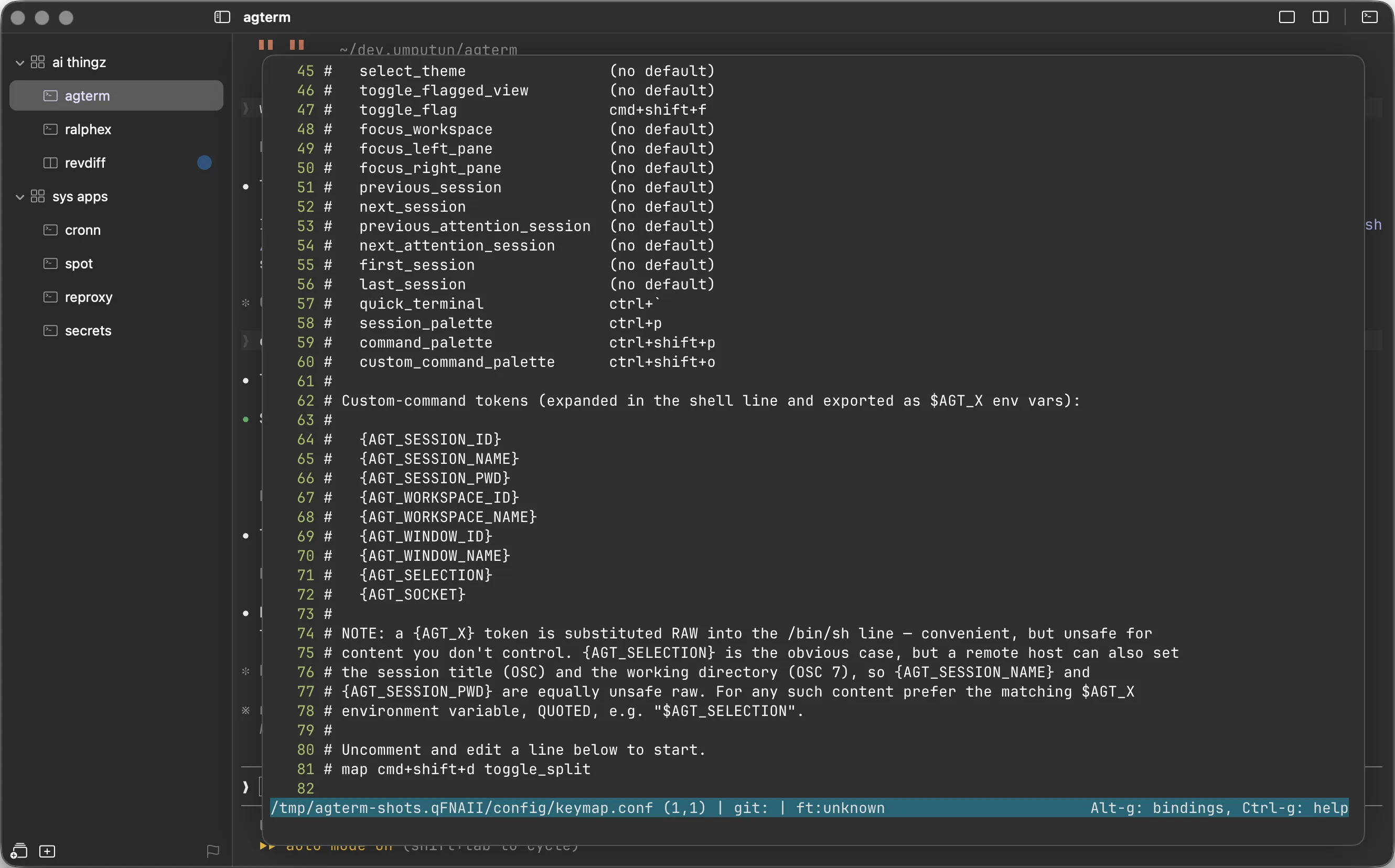
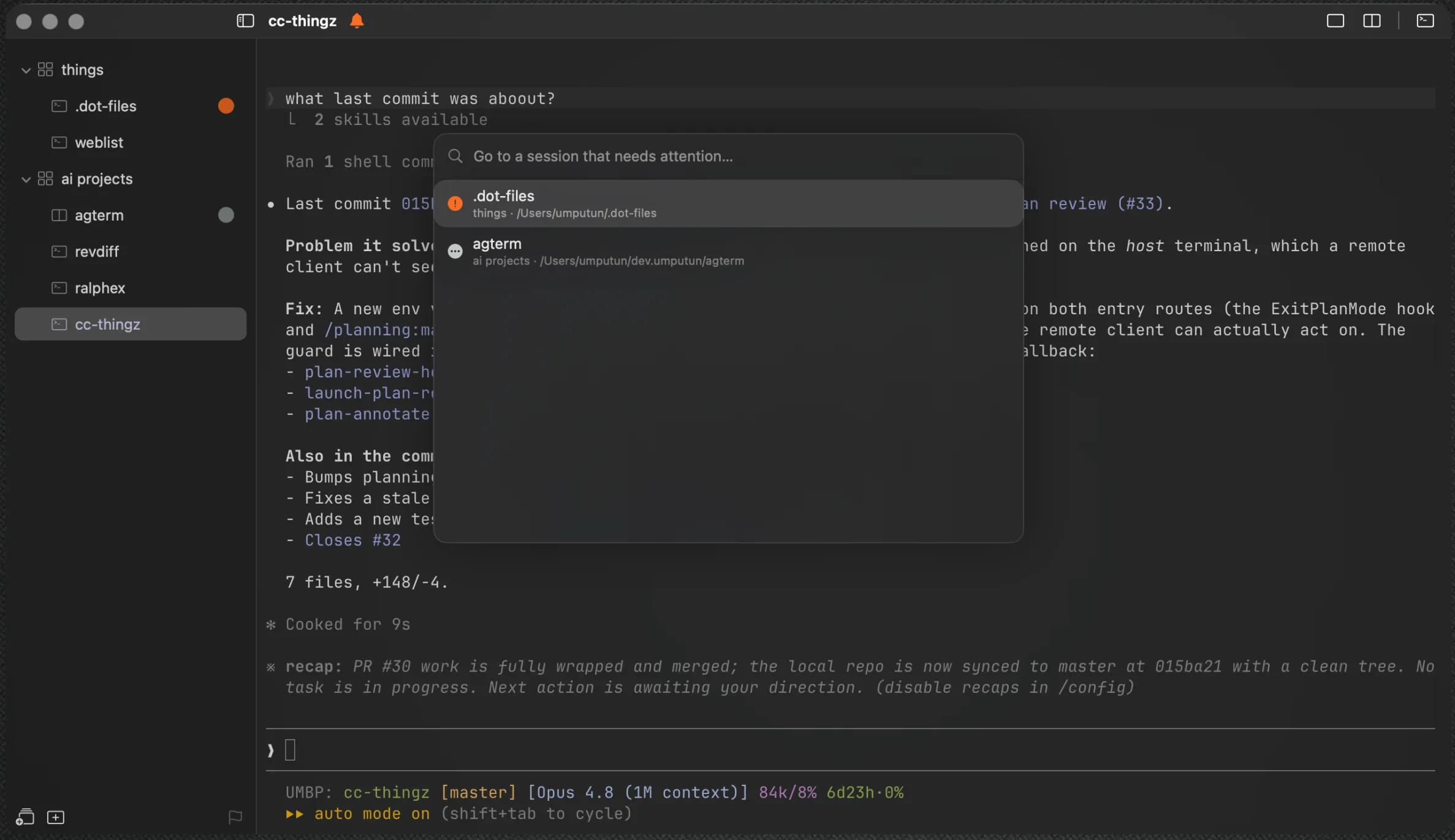
Workspaces and sessions, the fuzzy palettes, floating overlays, and agent-status glyphs on the rows that need you.
A small structure, and a command for every part of it.
Workspaces and sessions are the whole model, and there is nothing to learn beyond them. Everything they hold is also an object the control API can create, move, inspect, and read back. Running several coding agents means many long-lived sessions, each progressing on its own. A tabbed terminal loses track of them quickly. agterm doesn't.
Workspace organization
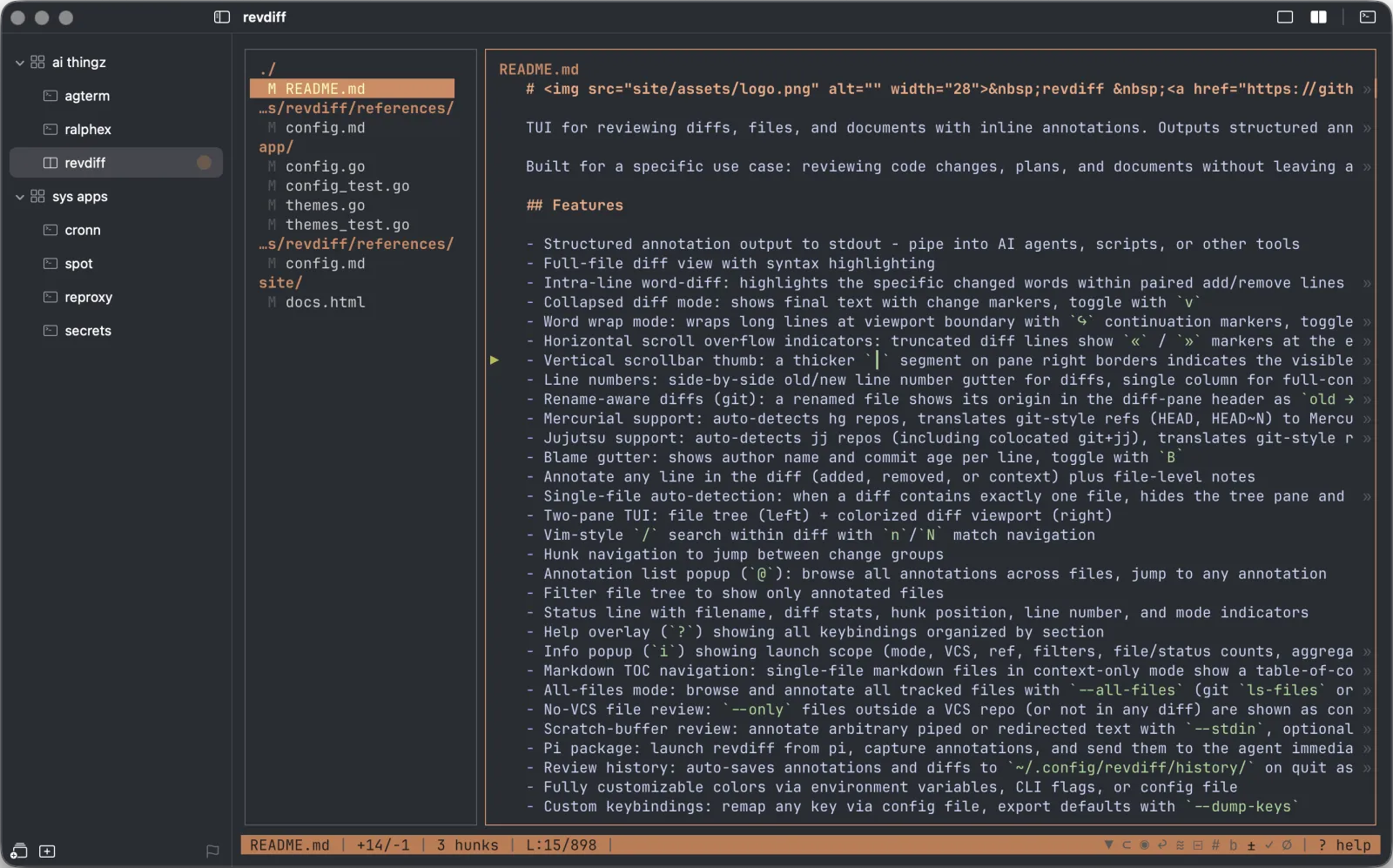
A vertical, two-level sidebar groups sessions under named workspaces like "work" and "personal". Drag between them, split into two shells, and reach any session by name, recency, or keyboard.
Programmatic control
A bundled CLI, agtermctl, drives almost everything over a local socket: create sessions, type into them, run overlays, move windows, or post a notification tied to a specific session.
Agent status at a glance
Each agent reports its state onto its sidebar row as a tinted glyph — active, blocked, or completed — so a screen of concurrent agents shows which one needs you. Wiring is automatic for Claude Code, Codex, Pi, and OpenCode.
A surface built for flow
Split a session, drop a scratch terminal over it, or run a program in a floating overlay without disturbing the session beneath. Jump anywhere with a fuzzy palette; flip through recents with Ctrl-Tab.
Agents drive it too
An installable skill teaches Claude Code or Codex the control model and the full agtermctl command set, so an agent running inside agterm builds its own layout, runs overlays, and manages windows without you explaining the API.
A terminal first
With nothing scripted at all it handles everyday multi-project work: 512 bundled themes, live-preview theme picker, custom key mappings, and full session persistence across launches.
One session, many surfaces.
A session is never just one shell. Split it, drop a terminal over it, or float a program on top — every extra surface is always a keystroke away and stays alive when hidden, so nothing you started ever gets lost.
Split panes
Two shells side by side or top and bottom in one session. Run the agent in one pane and watch logs in the other; the inactive pane dims toward the background so the focused one is always obvious.
Scratch terminal
A per-session third shell that covers the session full-screen. Opens in its directory, always available, and just hidden — toggle it back and the same shell is waiting.
Quick terminal
One scratch shell for the whole app, in a floating panel at 90% of whichever screen has focus. Give it a system-wide hotkey and it drops onto the Space you are on from any application, opening in the active session's directory — dismiss it with the same key or by clicking away.
Overlays
Run any program full-screen, in a centered floating panel, or over a single split pane, without disturbing the shell beneath. When it exits, the overlay vanishes and the session is exactly as you left it.
Dashboard
Watch up to nine sessions' live output in one view-only grid, overlaid on the window. Arrow keys move a highlight, Enter jumps into a session, Esc closes. Driven from the control API with agtermctl dashboard.
Windows keep contexts apart
A window is a top-level bundle of workspaces and sessions, each in its own on-screen macOS window. Keep a library of them — "work" on one screen, "personal" on another — and open one per display. The set open at quit reopens next launch, frames restored.
A genuinely good terminal, first.
None of this is limited to agents. agterm is built on Ghostty's engine, the same fast, GPU-accelerated rendering and VT parsing, and handles everyday multi-project work with nothing scripted at all. The workspaces, palettes, and keyboard-first navigation help just as much whether you're running coding agents or juggling a dozen shells.
A live-preview picker applies each theme as you browse — Enter commits, Esc reverts.
Every action has a shortcut, and a kitty-flavored keymap.conf rebinds any of them.
Tree, names, directories, splits, and windows all restore on the next launch.
Two shells side by side or top and bottom, in-terminal find, and a scratch overlay on any session.
Every ability, scriptable.
Almost everything you can do in agterm by hand, agtermctl can do over a local socket — no hidden UI-only actions. That turns the terminal into something you program around your own flow: a script or an agent builds and steers its own layout, and you extend the app's behavior without ever touching its source. What people have built on it lives in the cookbook: complete workflows, each a directory with a README and its scripts, written to be copied into your own setup and edited.
Bind any of it to a key or the action palette through keymap.conf — with the focused session's directory and selection passed in as tokens. Between the socket and custom commands, you shape the terminal around your workflow instead of adapting to the app's.
full agtermctl reference →Get agterm.
The cask also installs the agtermctl CLI, so cask users shouldn't run the in-app installer too.
Grab the latest .dmg from releases, open it, and drag agterm.app into /Applications.
releases page →$ scripts/run.sh
Requires macOS 14+, Xcode 26 with xcodegen, and Homebrew.
Signed and notarized for Apple Silicon (arm64) Macs on macOS 14+ — opens without any Gatekeeper workaround.
A terminal you can pick up and drive.
Open source. Native. Built on Ghostty's terminal engine.